


- Data Center Monitoring and Optimization
- Monitoring Base Transceiver Stations (BTS)
- Vaccine Transport and Storage Monitoring
- Pharmaceutical and Laboratory
- Wireless Warehouse Temperature Monitoring
- Cold Storage Monitoring
- Solar Panel and Battery Monitoring
- Remote Fuel and Generator Monitoring
- Wireless Tunnel
- Data Monitoring Rooms / Data Center Monitoring
- Satellite Services
- Solutions
- Computer Labs
- Clean Energy
- Security and Surveillance Systems
What is Shared Computing
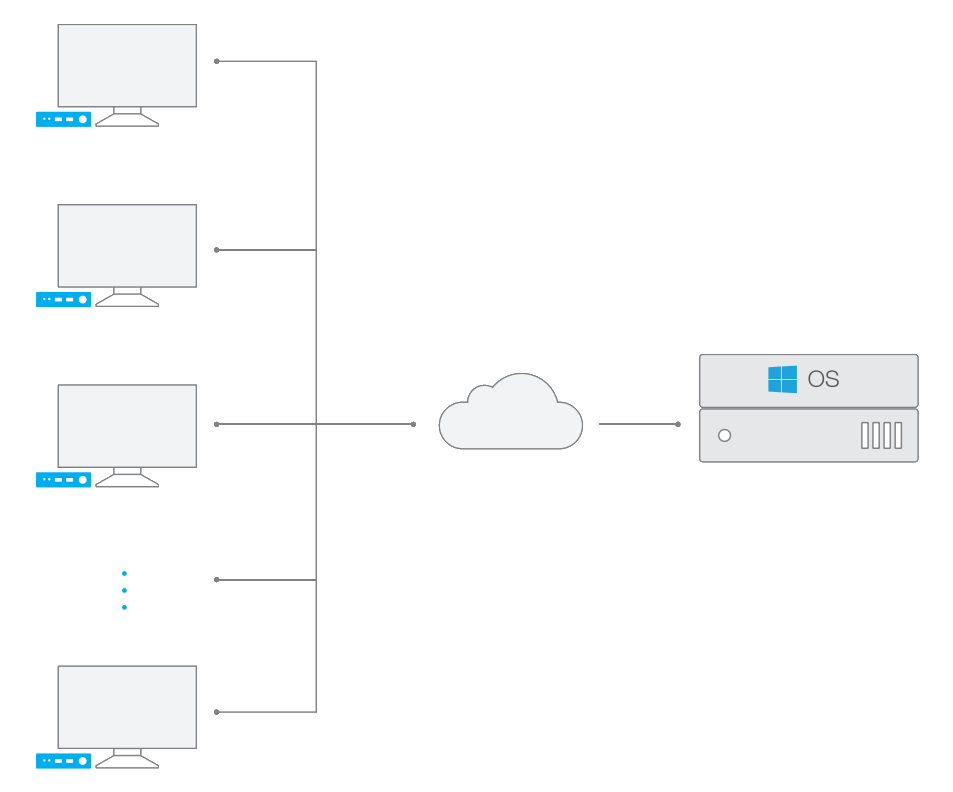
vCloudPoint’s Shared Computing (RDS) solution allows multiple users to simultaneously share the resources of a single machine.
With vMatrix Server Manager running on the Windows Operating System, multiple vCloudPoint client users connect to a single machine through remote desktop sessions, sharing the same OS, the applications and the compute resources but working independently in their own session.
vCloudPoint’s RDS solution is a simple and cost-effective computing solution and works best for users who have similar needs in terms of applications and desktop configuration.
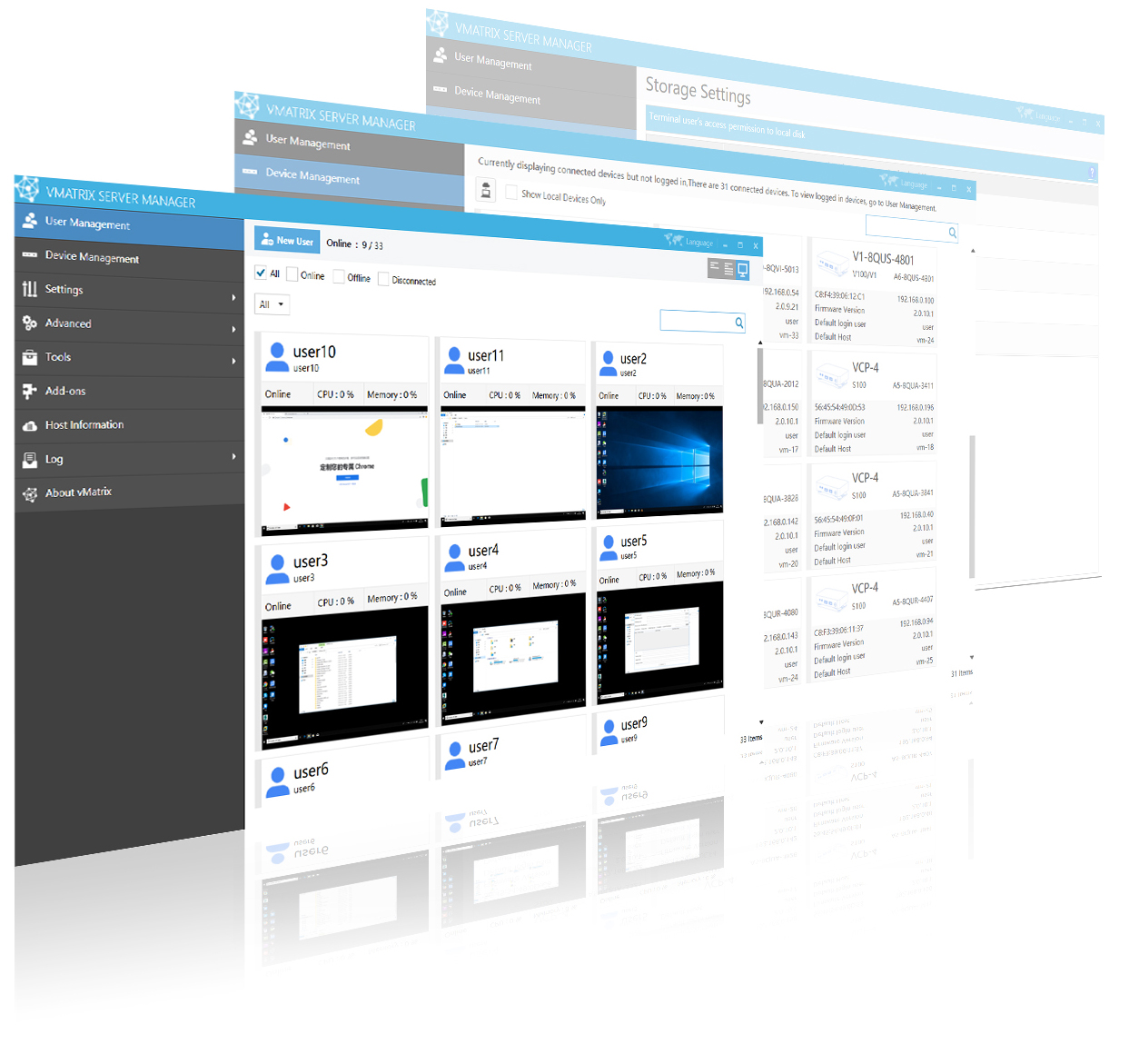
vMatrix Server Manager
vMatrix Server Manager is the broker and manager of vCloudPoint RDS system. It runs on the Windows host to allow remote desktop connections from vCloudPoint zero clients and enhances end-user experience by offering graphic acceleration, virtual audio & USB redirection. It also plays a management role that enables administrators to easily configure the remote desktop environment and centrally manage zero client devices and users from the host side.
Supported Systems
vMatrix Server Manager can run on any Windows Client and Server system (excluding home basic and starter editions).
Max. Connections
vMatrix Server Manager permits up to 99 users per shared system. The actual number of connected users depends on the host configuration and the type of applications being used.
Client Devices
vMatrix Server Manager communicates with S100 zero client, V1 zero client, A1 zero client, and Windows device with vMatrix Client software.